What Is M-Pesa Integration? How Online Payments Really Work
A shop owner in Nakuru launches her first website on a Monday. By Friday she has a problem she never expected: customers love the site, they browse, they even add items to the cart — and then they WhatsApp her to ask, "How do I pay?" She sends her till number. They send money. She screenshots, they screenshot back, she cross-checks her M-Pesa messages against orders, and by Sunday night she is running a spreadsheet instead of a business. Every one of those manual steps is a place where a sale quietly dies. M-Pesa integration is simply the work of removing them — connecting the website directly to the payment system so the customer pays, the system confirms, and the order is recorded, all without a single WhatsApp message.
What "Integration" Actually Means
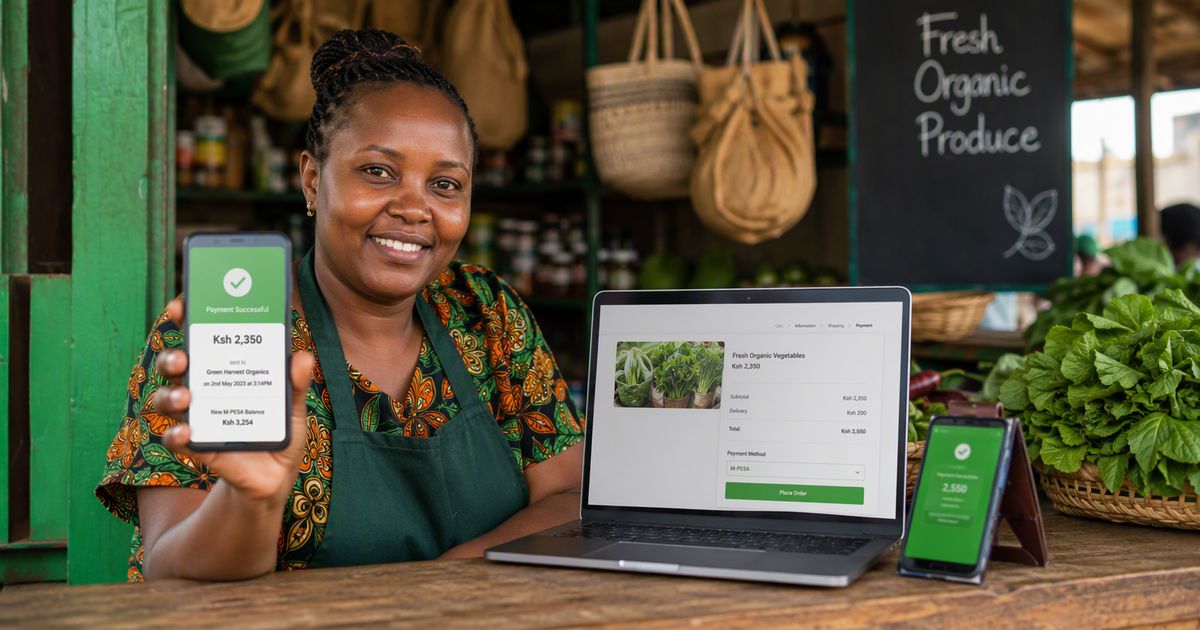
Your website and M-Pesa are two separate systems that do not naturally talk to each other. Integration is the bridge between them. When a customer taps "Pay Now" on your site, your website sends a secure request to Safaricom's payment system — usually through a gateway like Daraja, Safaricom's official developer platform. That request says: this customer, this phone number, this amount, this order. Safaricom then pushes the familiar STK prompt — the "Enter M-Pesa PIN" popup — straight to the customer's phone. The customer enters their PIN, and Safaricom tells your website, in real time, whether the payment succeeded or failed. If it succeeded, your website marks the order as paid and the money appears in your till or paybill. Total time: under thirty seconds. Total humans involved: one — the customer.
The Parts Working Behind the Scenes
There are four pieces, and understanding them protects you from being overcharged or oversold. First, your **till or paybill number** — the destination where money lands. This is yours; no developer can or should change it. Second, the **gateway or API credentials** — the keys Safaricom issues that let a website ask for payments on your behalf. Getting these approved is mostly paperwork, and it is the step that takes days rather than hours. Third, the **integration code** — the part a developer builds, which creates the payment request, triggers the STK push, and listens for the confirmation. Fourth, the **callback** — the most important and most skipped piece. The callback is how Safaricom tells your website "payment received" so the order updates itself automatically. A website that collects payments but has no working callback still leaves you checking your phone for messages — which is the spreadsheet problem all over again.
STK Push vs "Pay to This Number"
You have seen both versions of online payment in Kenya. The weak version is a website that displays a till number and asks the customer to go pay manually, then forward the confirmation message. It works, but it leaks sales at every step: the customer gets distracted, sends the wrong amount, or forgets to forward the message, and the business has no automatic record of anything. The strong version is the STK push — the payment prompt appears on the customer's phone while they are still on your website, with the exact amount already filled in. One PIN entry and it is done. The difference in completed sales is not small: every step you remove between "I want this" and "I have paid" keeps a percentage of customers who would otherwise drift away. Integration, in practice, means building the strong version.
What It Costs and What It Takes
The honest breakdown has three parts. There is the **transaction fee** — Safaricom's charges on money received through a till or paybill, which you pay regardless of who built your website. There is the **setup work** — registering for API access, passing Safaricom's go-live checks, and building the payment flow, which is a one-time project cost. And there is **maintenance** — keeping the integration secure and working as systems update, which is small but not zero. In time, a straightforward M-Pesa integration on a well-built website is measured in days, not months. If a quote arrives measured in months, ask what exactly takes that long. If it arrives suspiciously cheap, ask whether it includes the automatic callback and proper error handling — because an integration that cannot confirm payments is not an integration, it is a decoration.
Enjoying this? See how Card Payment Integration does it for your business — proven, managed, live.
Explore Card Payment IntegrationThe Questions to Ask Before You Pay Anyone
Arm yourself with five questions and you will spot the professionals instantly. Will the customer get an STK push on the checkout page, or a till number to pay manually? Does the system update the order automatically when payment is confirmed? What happens when a payment fails or the customer cancels — does the order recover gracefully? Whose name are the API credentials registered under — mine or yours? And if you ever leave, do I keep the integration? The right answers: push, automatic, graceful, mine, and yes. Those five answers are the difference between owning your payment system and renting it forever.
Frequently Asked Questions
Do I need a registered business to integrate M-Pesa?
For a proper integration with a till or paybill, yes — Safaricom's API access is tied to a registered business and its paybill or till number. Sole proprietors can start with a Buy Goods till, which has a simpler registration. Your developer should guide you through the paperwork; it is routine, not a barrier.
Can customers pay with a card too, or only M-Pesa?
Only M-Pesa flows through the M-Pesa integration itself. Card payments — Visa and Mastercard — are a separate integration through a bank or payment processor. Many Kenyan businesses run both side by side: M-Pesa for the local majority, cards for international customers and the card-preferring minority.
Is it safe to take payments on my website?
When built correctly, yes — and in one important way it is safer than cash. The customer never shares their PIN with your website; they enter it only into Safaricom's own prompt on their own phone. Your site never sees or stores it. What your website does need is proper security around the order data — which is why integration belongs on a professionally built site, not a template with a plugin of unknown origin.
What happens if the customer's phone is off or they ignore the prompt?
The payment simply does not happen — no money moves, and the order stays marked as unpaid or pending. A good integration handles this cleanly: the customer can retry, and you can follow up on abandoned orders. This is one more reason the automatic callback matters — without it, your site cannot tell a failed payment from a slow one.
The Bottom Line
M-Pesa integration is the bridge that lets your website take money the way Kenyan customers actually pay — a prompt on their phone, a PIN, and an automatic confirmation that records the order without you lifting a finger. The pieces are simple once named: your till, Safaricom's credentials, the integration code, and the callback that confirms each payment. Ask the five questions before you pay anyone, and insist on owning the credentials. If you would rather have the whole payment flow built, tested and demonstrated on your own website before you commit — that is exactly how we work. See It, Love It, Then Pay.
Ready to put this into action?
Everything in this article is something we build, deploy and manage for businesses like yours. Explore Card Payment Integration — or tell us your goal on WhatsApp and we will recommend the right product.
#MPesaIntegrationOnline #BeginnerGuide #DigitalLiteracy #TechExplained #NexaFlowDigital #KenyaBusiness