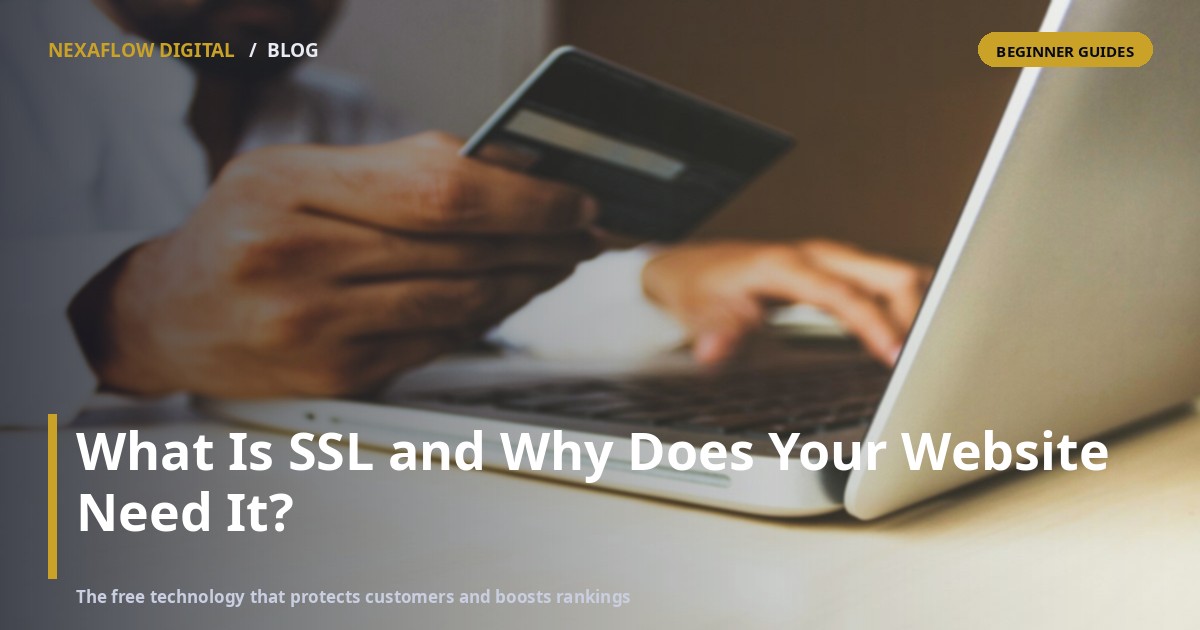
What Is SSL and Why Does Your Website Need It?
You have seen it a thousand times without thinking about it: the small padlock next to a website address, and the "https" at the start of the URL. That is SSL at work — and if your business website does not have it, you are quietly losing customers and search rankings every single day. This guide explains what SSL actually is, what it does, and why it is non-negotiable in 2026, all in plain language.
What Is SSL, Exactly?
SSL (Secure Sockets Layer, now technically its successor TLS) is a technology that creates an encrypted tunnel between a visitor's browser and your website. Think of it like this: without SSL, the information people send you travels across the internet like a postcard — anyone who intercepts it can read it. With SSL, that same information travels inside a sealed envelope that only your server can open.
When a website has SSL, its address starts with https:// and browsers show the padlock. When it does not, the address is plain http:// — and modern browsers display a visible "Not Secure" warning.
What SSL Actually Protects
Every time someone fills a form, logs in, or pays on your website, data travels both directions. SSL protects all of it:
- Contact form submissions — names, emails, phone numbers
- Login credentials and account details
- Payment information during checkout
- Private page content behind a login
For an e-commerce store or any site collecting customer details, this protection is not a luxury — in Kenya's Data Protection Act era, handling customer data carelessly carries real legal and reputational risk.
Why It Matters Even If You Collect Nothing
Many owners say: "My site is just a brochure — no forms, no payments — so why bother?" Three reasons. First, Google has used HTTPS as a ranking signal since 2014, so SSL gives you a genuine (if modest) SEO edge over non-secure competitors. Second, browsers flag http sites as "Not Secure" right in the address bar — visitors notice, and some leave immediately. Third, trust is cumulative: a flagged site looks neglected, and neglected sites do not win customers.
How to Tell If Your Website Has SSL
It takes ten seconds: open your website and look at the address bar. Padlock plus https — you are covered. "Not Secure" warning or no padlock — you need to act. You can also type your address with https:// in front; if it loads without warnings, SSL is installed.
Enjoying this? See how Website Development does it for your business — proven, managed, live.
Explore Website DevelopmentHow to Get SSL (and What It Costs)
Here is the good news: SSL certificates are free. Let's Encrypt and similar providers offer certificates at zero cost, and most modern hosts — including the platforms we build on — install and renew them automatically. Paid certificates exist too, mainly for large organisations wanting extended validation, but for the vast majority of Kenyan SMEs, free SSL is completely sufficient. If anyone quotes you a large annual fee for a basic certificate, question it.
The One Thing to Watch After Installation
Installing the certificate is only half the job. Your site must also force every visitor onto the https version — if http://yoursite.com still loads normally, you have a "mixed content" or redirect gap that wastes the certificate. A proper setup redirects all http traffic to https automatically. This is a two-minute configuration for whoever manages your hosting.
Frequently Asked Questions
Is SSL the same thing as HTTPS?
Almost. SSL is the technology; HTTPS is what you see in the address bar when a site is using it. The padlock means the SSL/TLS connection is active and valid.
Will SSL slow down my website?
Not meaningfully. Modern SSL adds negligible overhead, and the SEO and trust benefits far outweigh any theoretical milliseconds.
My web host says SSL costs extra. Is that true?
Usually not. Free certificates are standard today. Some hosts charge for convenience or management — but the certificate itself costs nothing.
What happens if my SSL expires?
Browsers start showing full-page warnings that scare visitors away. Automatic renewal is the standard setup on modern platforms, which is one more reason to host with someone who maintains it for you.
The Bottom Line
SSL is free, takes minutes to enable, protects your customers, satisfies the law's spirit, and gives you a ranking edge — yet a surprising number of Kenyan business sites still run without it. Check your address bar right now. If you see "Not Secure", make fixing it this week's priority — or talk to us and we will secure, redirect and verify the whole setup as part of your website project.
Ready to put this into action?
Everything in this article is something we build, deploy and manage for businesses like yours. Explore Website Development — or tell us your goal on WhatsApp and we will recommend the right product.
#SSLWebsiteNeed #BeginnerGuide #DigitalLiteracy #TechExplained #NexaFlowDigital #KenyaBusiness